Sign up for exclusive offers
TV
All series
Cinema 21:9 Platinum Series Smart LED TV
Discontinued
Support
58PFL9956H/12
Go to shop
Log in or create an account
You instantly have access to manuals, tailored support and more. Plus it’s quick and easy
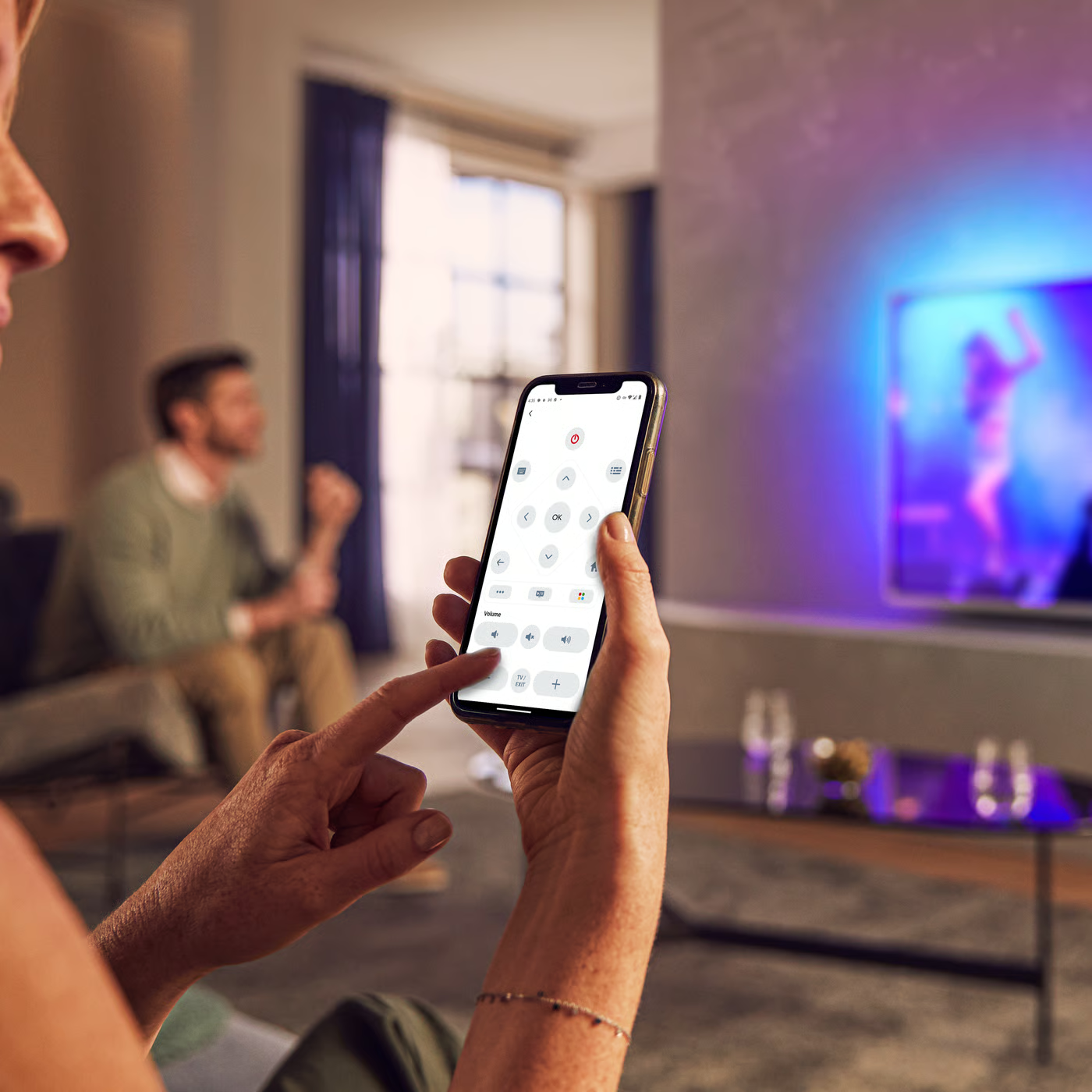
Control your TV with your smart device
The Philips Smart TV app turns your smartphone or tablet into a smart remote, letting you switch channels, adjust volume, browse apps, and fine-tune your Ambilight settings with ease.
Firmwarehistory
End Users Licence Agreement
Quick start guide
Terms and conditions
All (25)
When watching 3D, does Philips TV provide Full HD (1080p) resolution to both eyes?
Can I use a device from another brand to play 3D content?
Why did the Scenea photo in Philips TV switch off after some time?
How to set Scenea to switch off earlier than the normal 4 hours in Philips TV?
Why do I see the message "Detected a disc with content protection" when Wi-Fi MediaConnect starts projecting in Philips TV?
The time displayed by Philips TV clock function is not correct
My Philips TV fails to respond to the remote control
I receive the following message: "The Philips TV you are projecting to has stopped the projection"
I’ve connected my PC and Philips TV to my home wireless network (IEEE 802.11g). When I start projection, I get another error message saying "File cannot be read or found."
What should I do if I see the message on Philips TV screen "Network bandwidth is too low" when projecting on a wireless network?
Check the terms of your warranty and start a product exchange or repair
Warranty
Our product warranty policies
Contacting Philips
We're happy to help you